

Background Camera ~ Very Safe
Version:4.4.2
Published:2026-11-10
Introduction
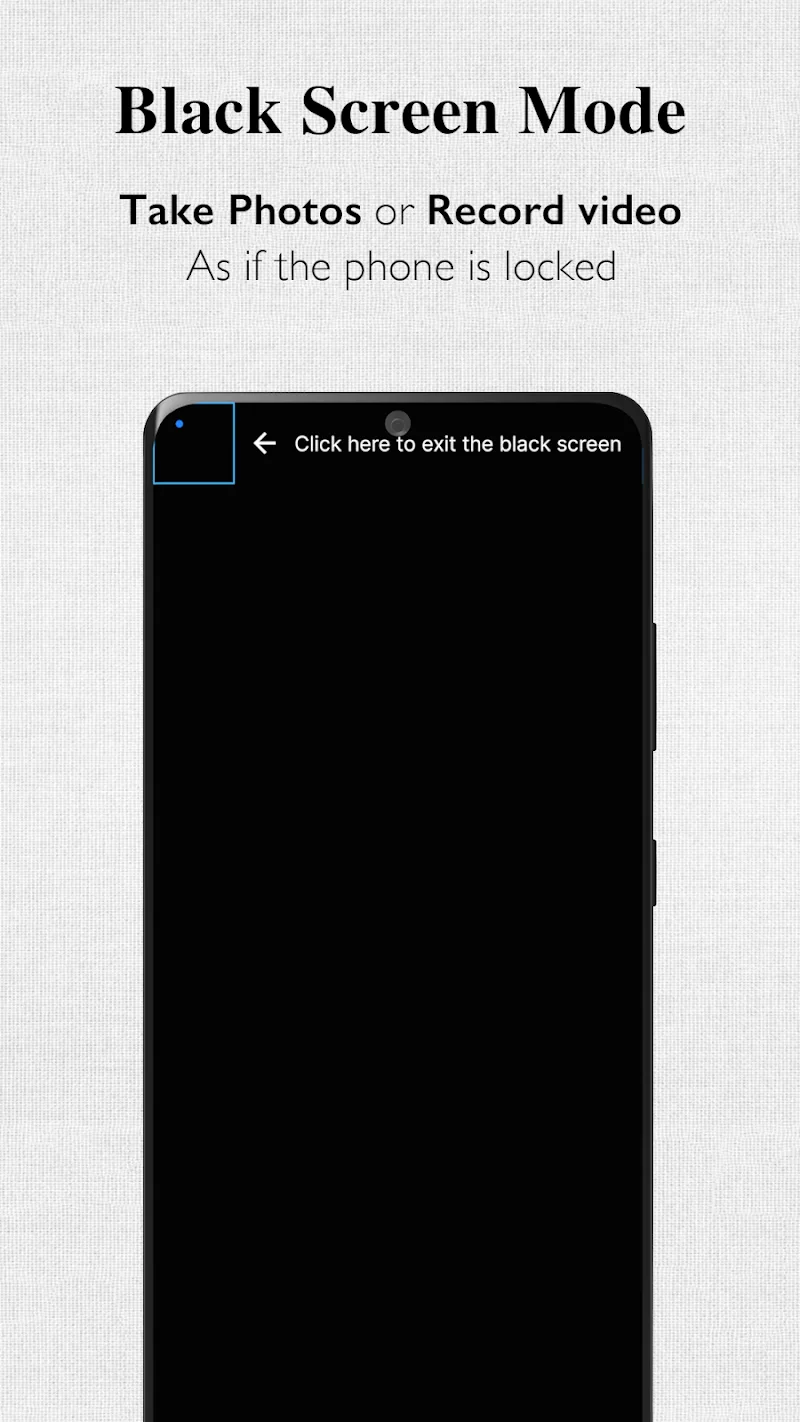
Background Camera ~ Very Safe is a discreet photo and video capture app that lets you take pictures and record video quietly while you use other apps or when the screen is off. It focuses on privacy, background operation, scheduled capture, and secure file storage for everyday and professional use.
Core capabilities
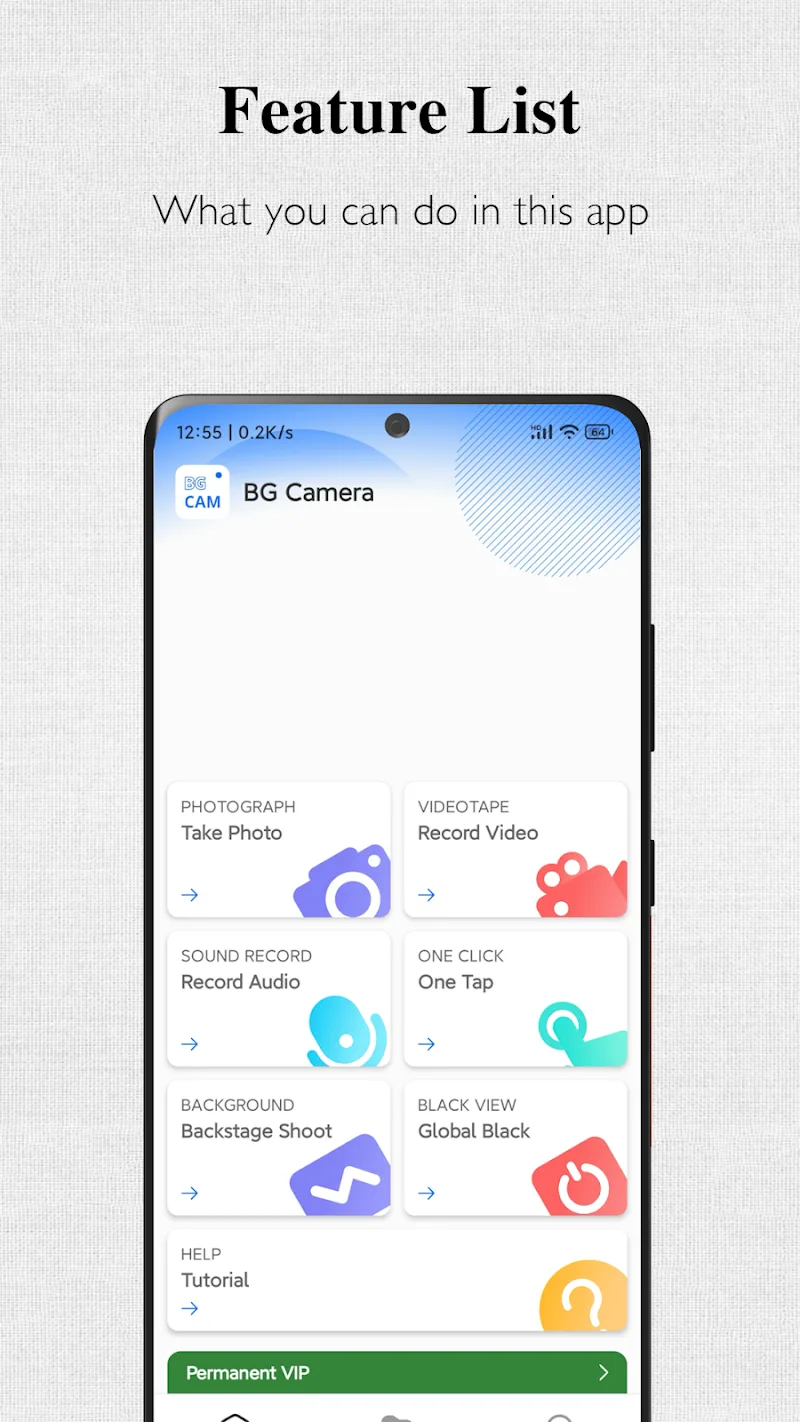
The app provides unobtrusive shooting modes designed for users who need hands-off recording without interruptions. Background Camera ~ Very Safe supports silent stills, time-lapse, and continuous recording with configurable time and resolution options. Files are saved to designated folders and can be hidden or encrypted to prevent casual access.
User interface and workflow
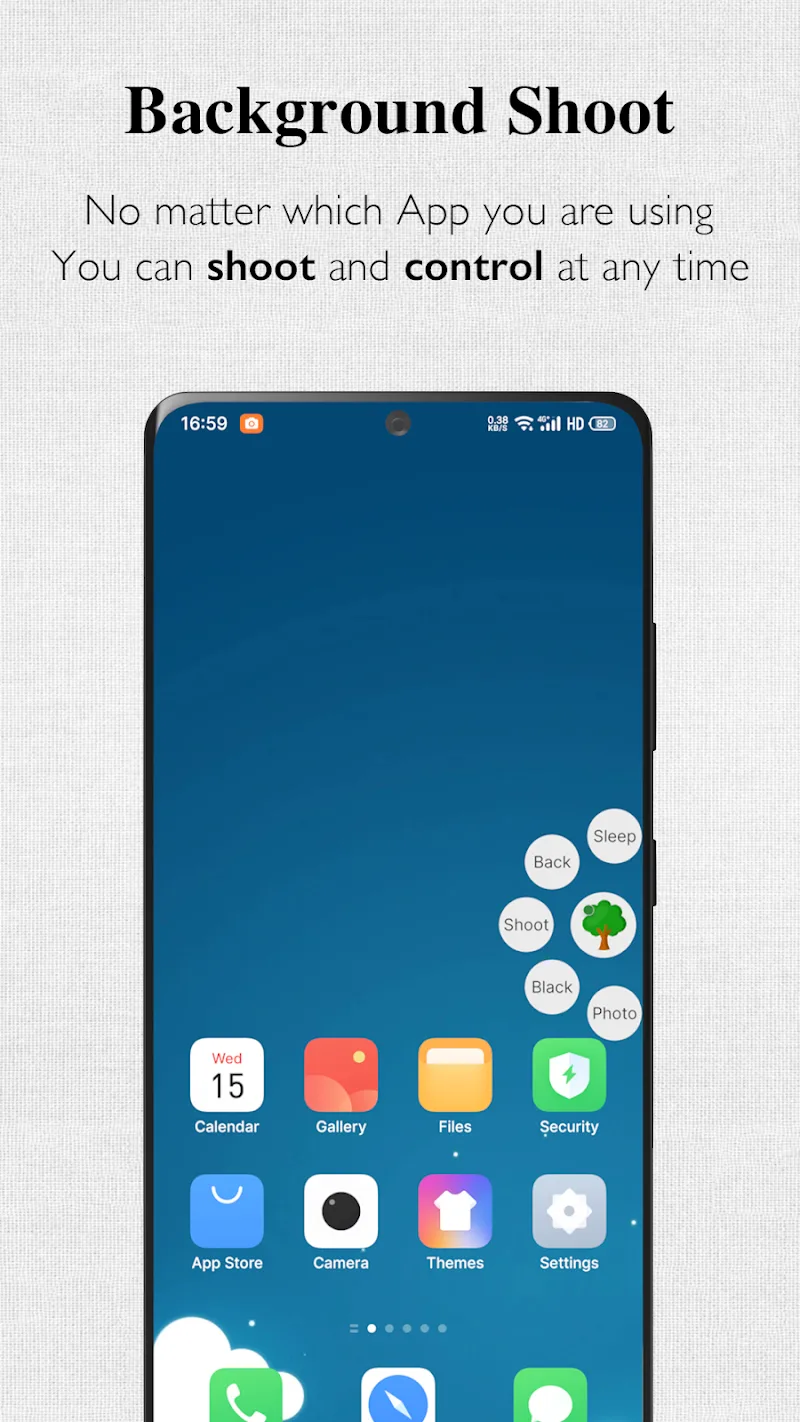
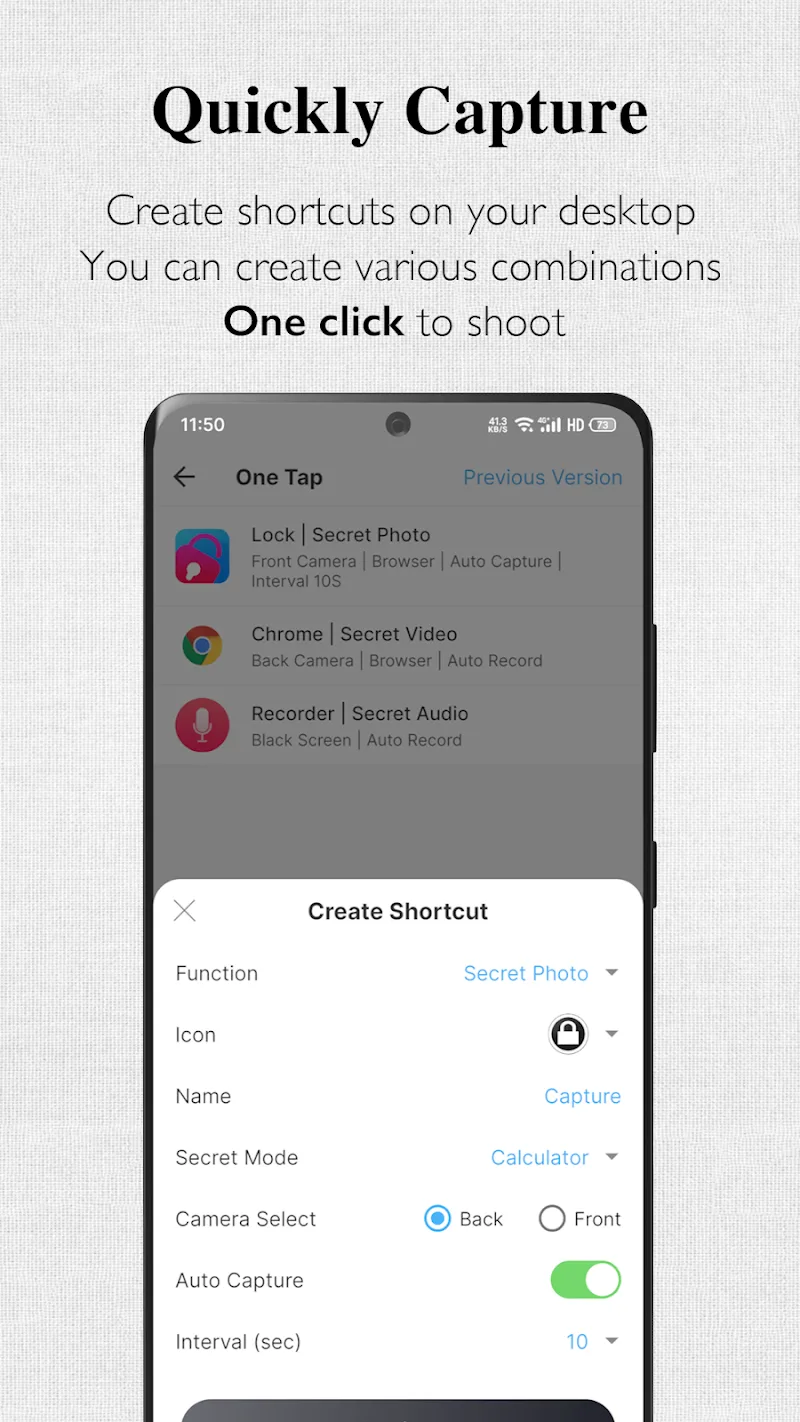
Navigation is streamlined to start capture quickly: launch, choose a mode, and tap to minimize the app while it continues. The interface uses clear icons and large buttons so that configuring settings takes minimal time. Background Camera ~ Very Safe also offers widgets and quick actions to begin recording without opening the full app.
Privacy and security features
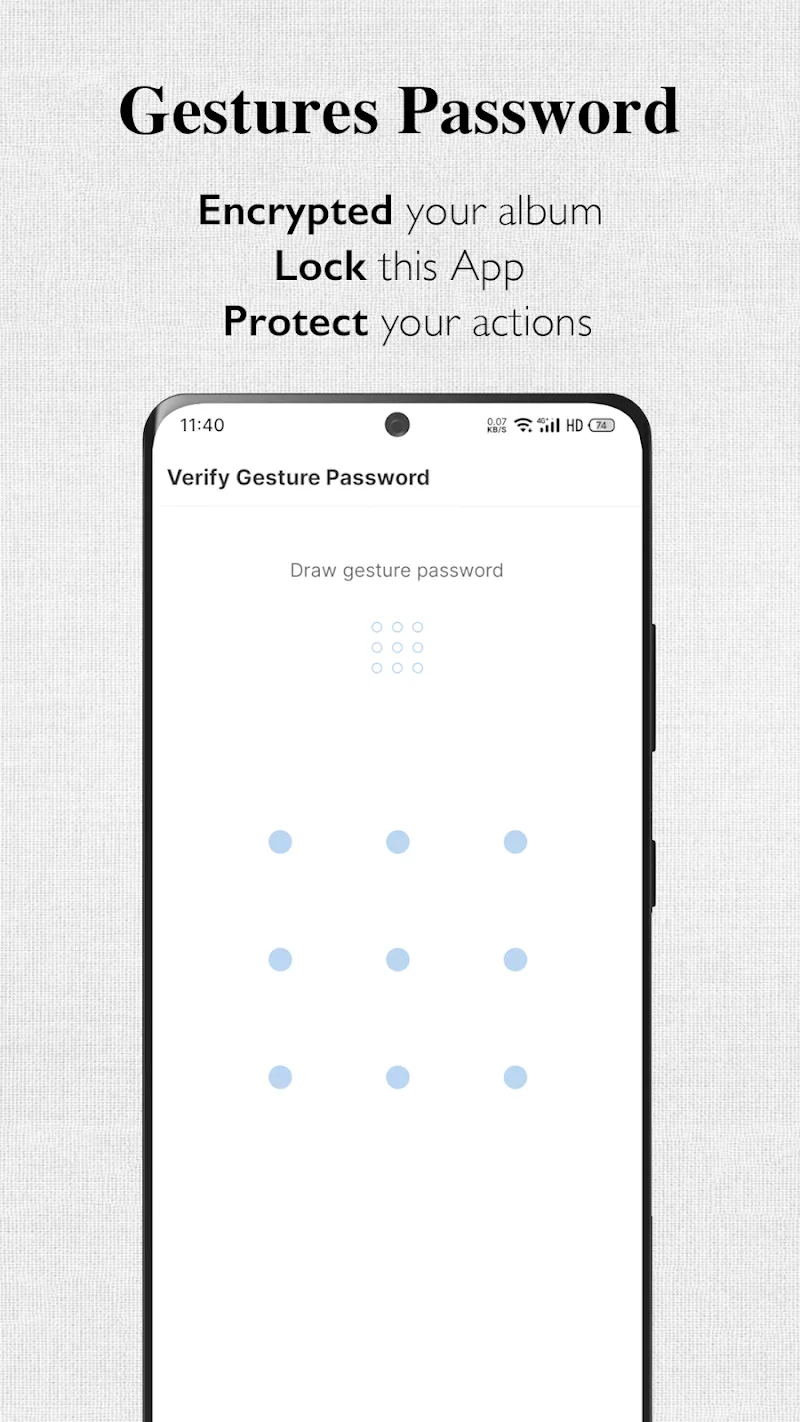
Protecting captured media is a core priority. The app lets you set a PIN or pattern to access the gallery, and offers optional file encryption to keep media secured on the device. Hidden folders can be excluded from the standard gallery view and backups, while access logs record recent activity for accountability.
Background operation and battery management
Recording in the background can be resource-intensive, so the developers included power-saving options. You can limit frame rate, reduce resolution, or schedule short capture windows to conserve battery. Background Camera ~ Very Safe adapts to device sleep policies and provides warnings if the system is likely to terminate a recording session.
Capture modes and customization
- Silent photo mode: Suppresses shutter sounds and visual indicators on supported devices.
- Timed capture: Set a delay or interval for automatic photos over a period.
- Continuous video: Record long takes with split-file saving to avoid size limits.
- Time-lapse and burst: Create accelerated sequences or capture high-speed bursts for action shots.
Compatibility and performance
Background Camera ~ Very Safe is optimized for a wide range of Android devices and camera hardware. Performance scales with the device: high-end phones can record at higher resolutions while older hardware benefits from adaptive settings. The app monitors CPU and memory usage and offers recommendations when performance may impact capture quality.
How to set up and start
Getting started takes only a few steps. Grant camera and storage permissions, choose a capture mode, and configure the privacy options you prefer. Use the test mode to confirm silent operation and background recording behavior before relying on the app for important tasks.
Practical use cases
This app is useful in situations where discrete recording is required: documenting lectures, capturing hands-free footage while demonstrating a task, or collecting visual notes during fieldwork. Journalists, researchers, and content creators may find the scheduling and background features especially helpful for unattended captures.
Tips for reliable recordings
- Enable airplane or do-not-disturb modes to reduce interruptions from notifications during long sessions.
- Test small recordings first to verify audio and video alignment when the screen is off.
- Keep an eye on storage quotas and configure automatic file rotation to prevent failed saves.
- Use external power for extended sessions to avoid unexpected shutdowns due to low battery.
Legal and ethical considerations
Background Camera ~ Very Safe is a tool for capturing media, and users should consider local laws and respect privacy when recording. Avoid recording in situations where consent is required and use the app responsibly to protect the rights of others.
Support and updates
Regular updates deliver new capture options, bug fixes, and compatibility improvements. The in-app help section explains advanced settings and troubleshooting steps. If you encounter issues, check the permissions page and system power settings, as these commonly affect background operation.
With a focus on privacy-aware functionality and low-profile operation, Background Camera ~ Very Safe offers a practical solution for discreet photography and recording needs. Its balance of customization, security, and background performance makes it a useful addition to a privacy-conscious toolkit.
Show More
Information
Screenshots
Latest Update











Hot Tags
Latest News
-
![Revealing the Launch Playlists and Cross-Progression for COD Warzone Mobile News]()
-
![March 2024 Free Redemption Codes for Honkai: Star Rail News]()
-
PUBG Mobile Teams Up with Bentley Motors: Luxury Cars, Exclusive Collectibles, and Beyond 2024-04-18
![PUBG Mobile Teams Up with Bentley Motors: Luxury Cars, Exclusive Collectibles, and Beyond News]()
-
![Monster Never Cry is now accessible on both Android and iOS mobile devices. News]()
-
V2.2 of the Farlight 84 update introduces an overhauled Season structure, fresh in-game currency, an 2024-04-16
![V2.2 of the Farlight 84 update introduces an overhauled Season structure, fresh in-game currency, an News]()
-
![Arrival of Genshin Impact 4.6 Update: 'Embers of Two Realms, Twilight of Crimson' News]()
-
April 2024 Clash of Clans Update: Unveiling a Fresh Companion, Enhanced Levels, Chat Tagging, and Be 2024-04-16
![April 2024 Clash of Clans Update: Unveiling a Fresh Companion, Enhanced Levels, Chat Tagging, and Be News]()






