

PingTools Pro
Version:5.0.493 Pro
Published:2026-11-10
Introduction
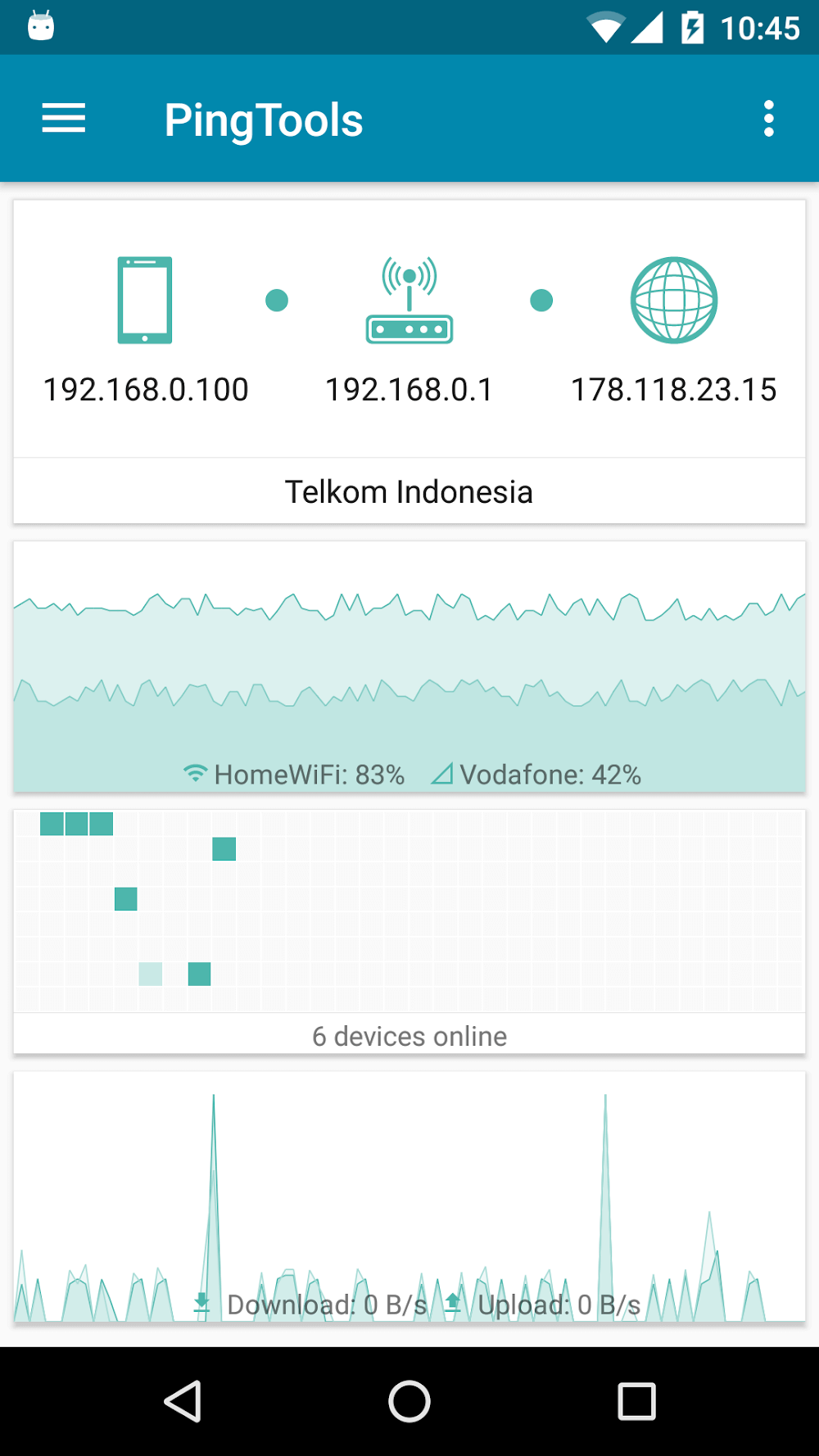
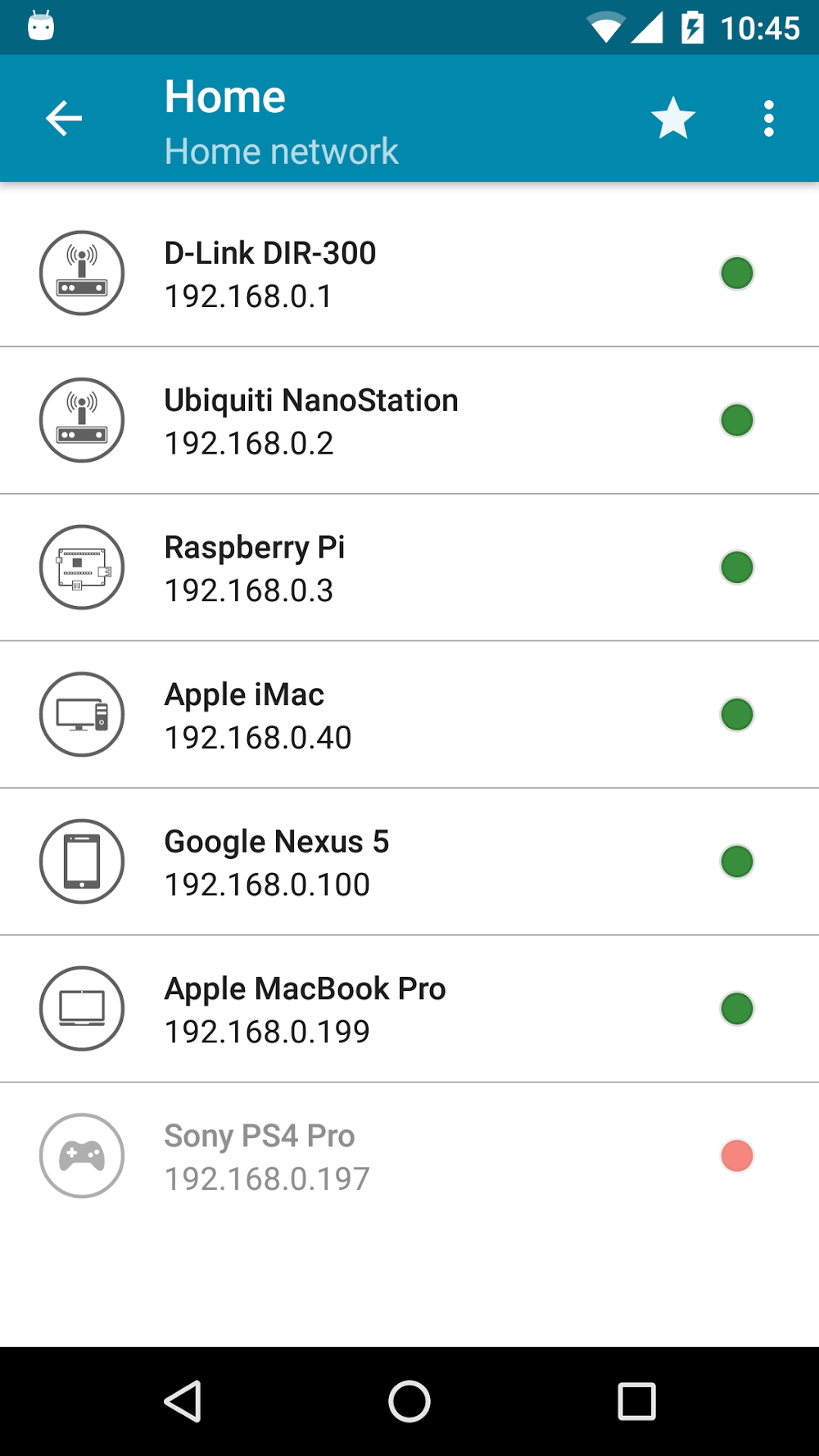
PingTools Pro is a compact and reliable network utility for Android that brings professional diagnostic tools into a single, easy-to-use app for home and small office users. PingTools Pro helps you inspect Wi-Fi and LAN connections, check latency with ping tests, resolve DNS queries, scan ports, and discover devices on a local network while presenting router and ISP information in a readable panel. Whether you want to identify an unknown device, track data usage, or quickly verify if a service port is reachable, this app aims to make routine network checks faster and clearer without requiring advanced setup.
Key Features
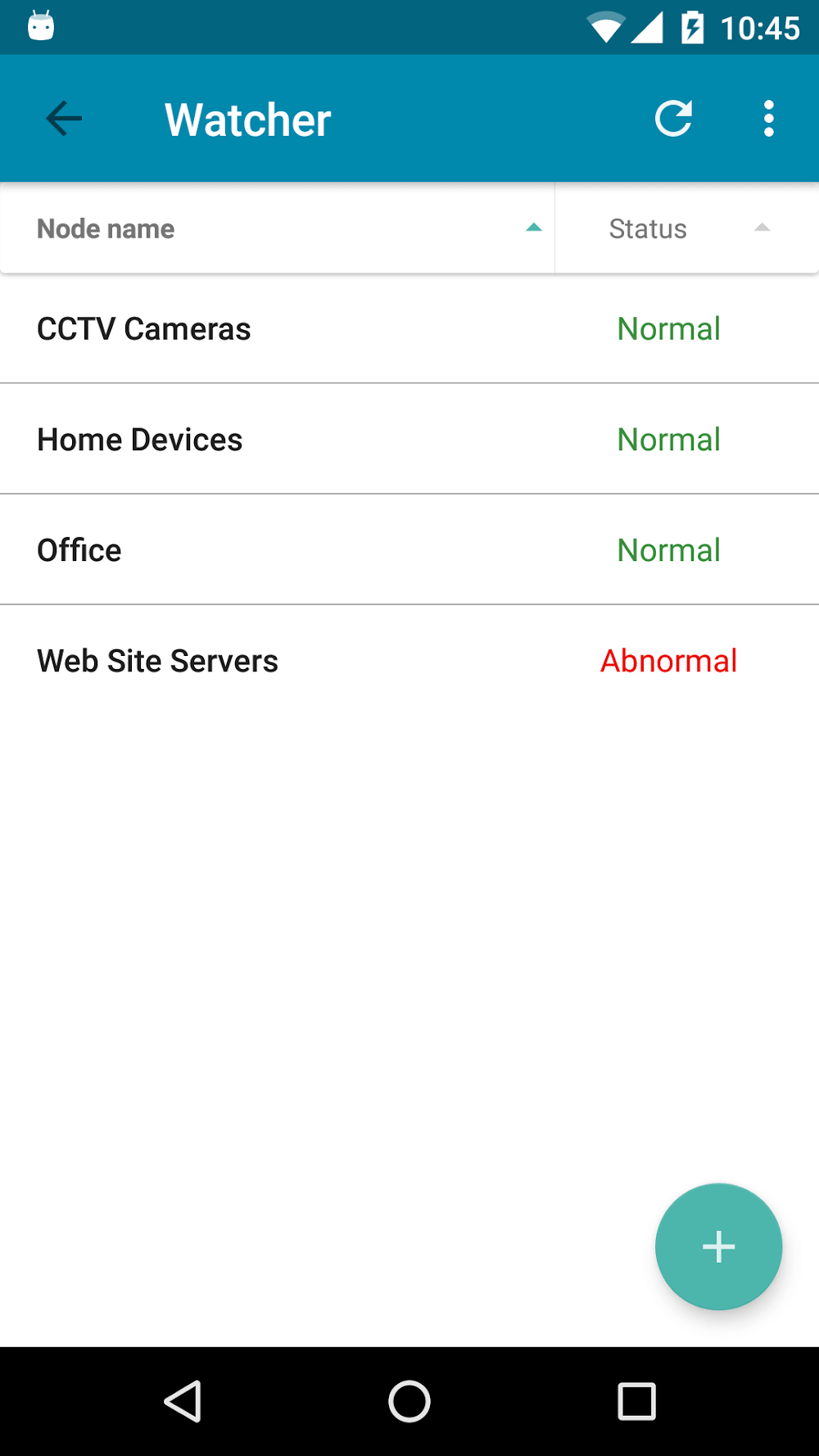
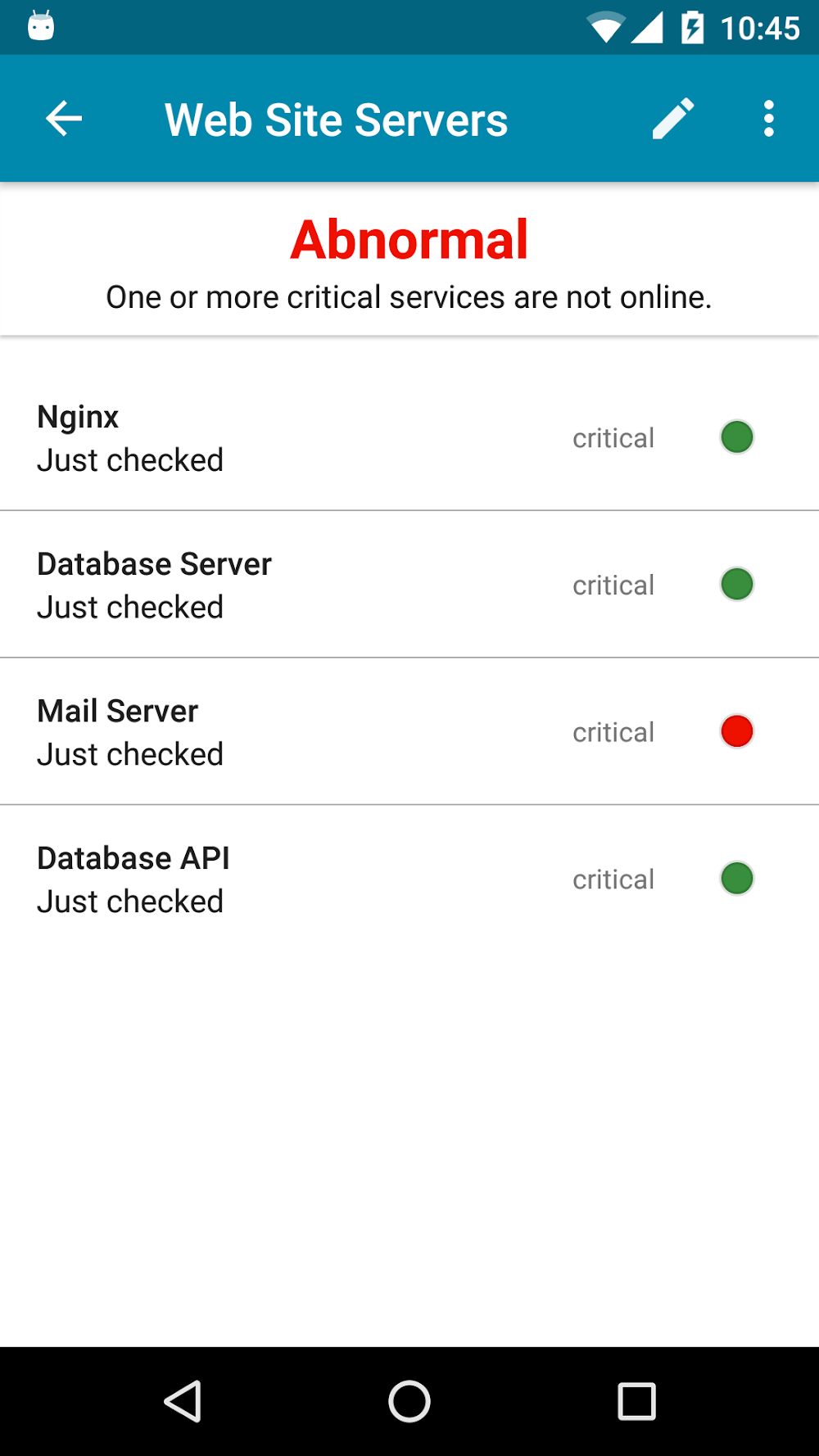
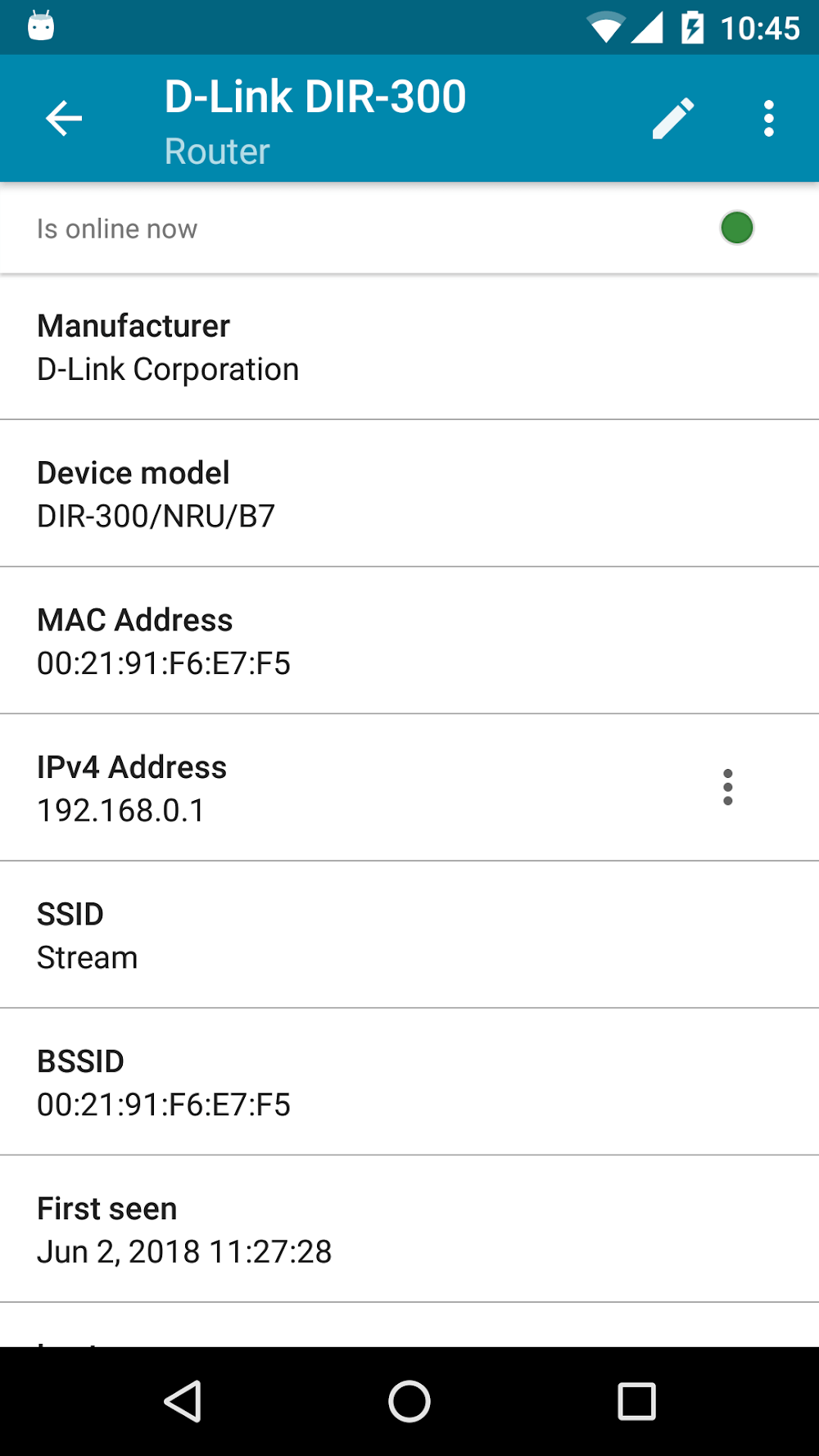
PingTools Pro consolidates conventional utilities in one place: a ping tool for latency and packet loss checks, DNS lookup to verify name resolution, a port scanner to detect open services, and a Wi-Fi scanner to list nearby access points and signal strengths. The Local Area Network discovery maps devices on the same subnet and reports basic device details when available. An information panel displays router IP, external IP and ISP metadata to give context during troubleshooting, and a watcher module tracks connection time and data usage so you can monitor patterns over days or weeks. The app also includes an information lookup for domain details and organizational contacts when such data is publicly accessible.
How It Operates
The app uses a mix of active and passive techniques to examine network conditions. Active tools like ping and port scan send small probes and report response times and status codes, while passive scans gather broadcasted information from devices on the LAN. Controls let you define timeouts and packet counts to adapt tests for different environments, and results are presented with timestamps and clear metrics to help you compare runs. Some features require a connection to the target network and appropriate permissions; for example, external IP and ISP lookups need internet access, whereas many LAN diagnostics work entirely within the local network and can run without outside connectivity.
User Interface and Controls
The interface groups tools by function so you can jump straight to diagnostics, monitoring, or information lookup. Common actions are started with a single tap and users can refine parameters through a settings panel, adjusting scan scope, timeout values, and notification preferences. Results are shown as readable entries with contextual notes to help interpretation, and logs retain recent test outputs so you can review patterns over time. The layout emphasizes clarity and avoids clutter, making it practical for both occasional users and people with some networking experience.
Progression, Monitoring and Replay Value
Rather than a one-off tool, PingTools Pro supports iterative troubleshooting: run a test, adjust a variable such as timeout or target address, and compare new results to previous runs to narrow down issues. The watcher function provides a simple progression system by tracking connection duration and cumulative data use, helping you spot slowdowns or spikes. Re-running scans after configuration changes or at different times of day increases the app's long-term usefulness as trends become visible and recurring problems become easier to diagnose.
Accessibility and Practical Considerations
The app is designed with a readable layout and straightforward terminology to reduce friction for users who are not networking specialists. Labels and result summaries aim to explain what each metric means in practical terms, and controls are touch-friendly for phone use. Because the app performs network-level operations, it requests only the permissions necessary for diagnostics; restricted permissions or being disconnected from the target network will limit some features. Many core tools operate locally, so basic diagnostics remain available offline when assessing devices on the same LAN.
Advantages and Limitations
PingTools Pro brings a useful toolkit to a single app, reducing the need to jump between utilities when diagnosing connection problems. It balances approachable presentation with technical detail, making it appropriate for home users and IT-savvy individuals alike. Limitations include the need for basic networking knowledge to fully interpret some results, and certain checks require connectivity or elevated permissions to function properly. The app does not create or modify network infrastructure; it reports observations and helps guide remedial actions.
Development Team
PingTools Pro was created by StreamSoft as an advanced extension of their core network utilities. The developers focus on practical diagnostics and incremental improvements, keeping familiar tools from previous releases while adding monitoring capabilities and clearer information panels. Regular updates address compatibility and usability, and StreamSoft maintains documentation to help users get the most from PingTools Pro without introducing unnecessary complexity.
Show More
Information
Screenshots
Latest Update











Latest News
-
![Revealing the Launch Playlists and Cross-Progression for COD Warzone Mobile News]()
-
![March 2024 Free Redemption Codes for Honkai: Star Rail News]()
-
PUBG Mobile Teams Up with Bentley Motors: Luxury Cars, Exclusive Collectibles, and Beyond 2024-04-18
![PUBG Mobile Teams Up with Bentley Motors: Luxury Cars, Exclusive Collectibles, and Beyond News]()
-
![Monster Never Cry is now accessible on both Android and iOS mobile devices. News]()
-
V2.2 of the Farlight 84 update introduces an overhauled Season structure, fresh in-game currency, an 2024-04-16
![V2.2 of the Farlight 84 update introduces an overhauled Season structure, fresh in-game currency, an News]()
-
![Arrival of Genshin Impact 4.6 Update: 'Embers of Two Realms, Twilight of Crimson' News]()
-
April 2024 Clash of Clans Update: Unveiling a Fresh Companion, Enhanced Levels, Chat Tagging, and Be 2024-04-16
![April 2024 Clash of Clans Update: Unveiling a Fresh Companion, Enhanced Levels, Chat Tagging, and Be News]()






