
Oxigen Square 3D - Icon Pack
Version:2.2
Published:2026-11-10
Introduction
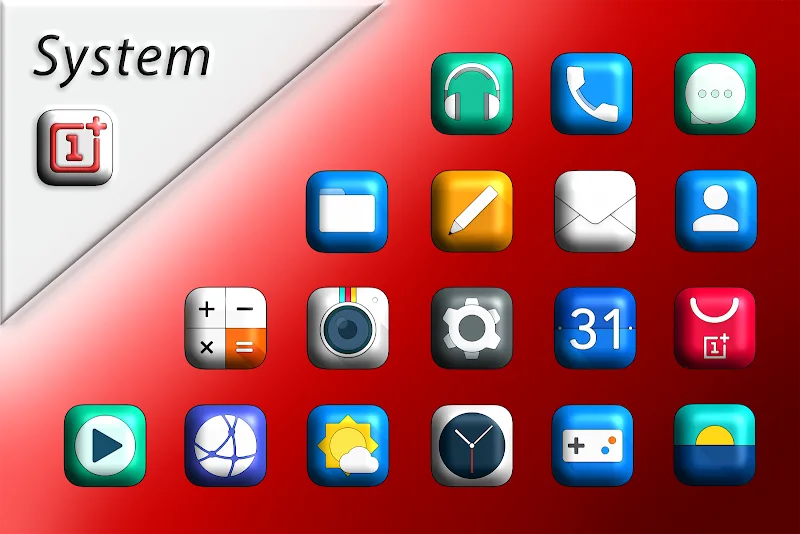
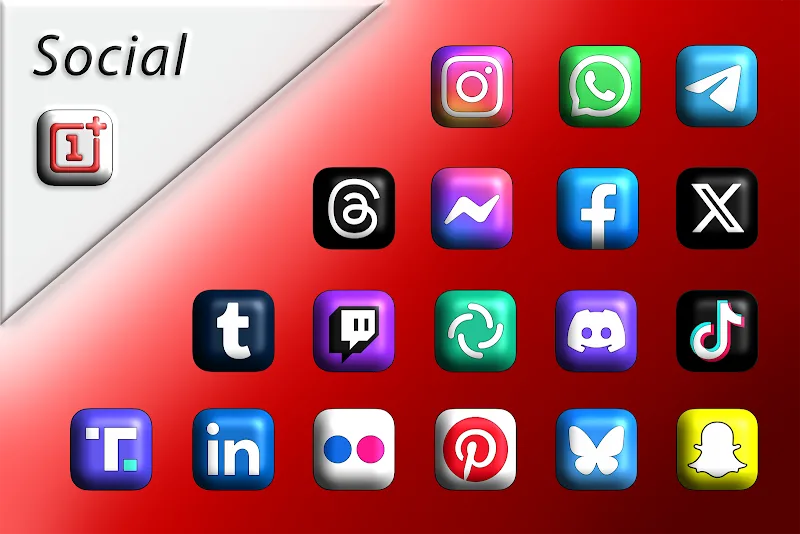
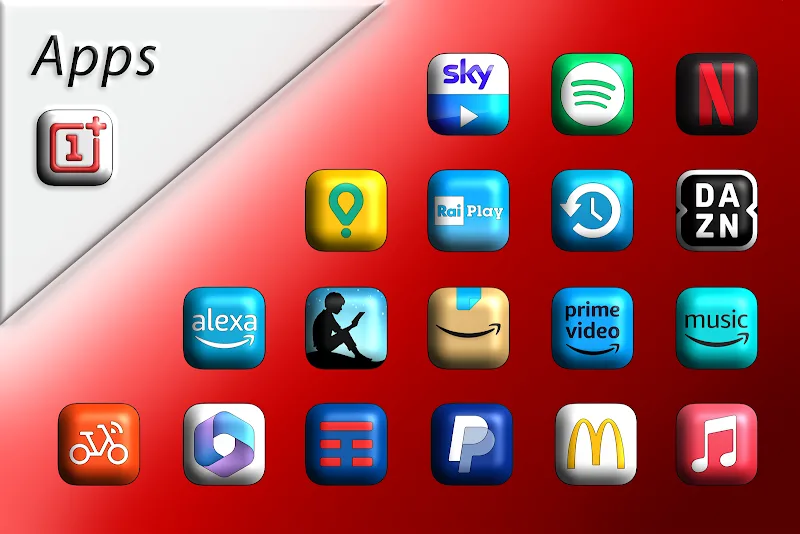
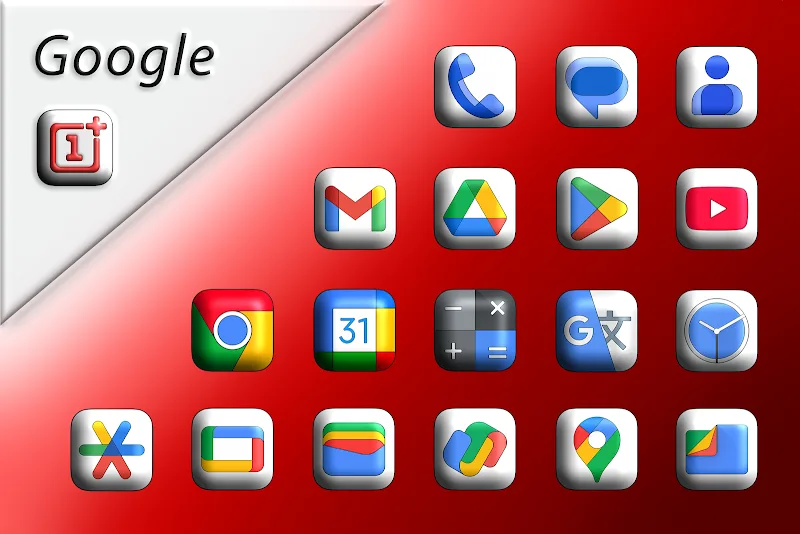
Oxigen Square 3D - Icon Pack transforms your Android home screen with a collection of three-dimensional square icons, polished textures, and uniform glyphs. Designed for simplicity and depth, the pack updates app icons across launchers quickly while maintaining readability and a cohesive visual style suitable for phones and tablets.
Visual Design and Theme
Oxigen Square 3D - Icon Pack emphasizes a modern geometric look: crisp square canvases, subtle bevels, and soft shadowing create the perception of depth without overwhelming the interface. Colors are balanced to preserve contrast for app glyphs, while a consistent padding and grid alignment ensure that icons feel intentional and ordered on any desktop layout.
Key Features
This icon pack provides a comprehensive set of tools and assets that simplify personalization. Important elements include:
- Extensive icon library covering thousands of popular apps and growing with regular updates.
- Adaptive visuals that maintain clarity on high-resolution screens and different DPI settings.
- Masked icons for unsupported apps so they integrate seamlessly with themed icons.
- Alternate icons offering variations in color and glyph weight to match user preferences.
- Cloud wallpapers compatible with the icon aesthetic for a unified home screen look.
Installation and Launcher Compatibility
Applying Oxigen Square 3D - Icon Pack is straightforward. After installation, open the pack and use the included apply tool to connect with supported launchers. The pack works with most popular launchers that accept third-party themes, including Nova, Lawnchair, Action, and others. For launchers without native support, the included activity launcher provides manual apply instructions and alternative methods.
Customization Options
Beyond a basic apply function, the pack allows selective customization so you don’t need to change every icon at once. Replace individual app icons from the icon picker, choose alternate glyphs, or switch between the default and a lighter variant. The mask system fills gaps for unknown apps, preserving the square motif across your entire grid.
Performance and Resource Use
Designed to be lightweight, Oxigen Square 3D - Icon Pack stores icons in optimized formats to limit memory usage and startup impact. Because icon packs only change visible assets and do not run persistent background services, battery and CPU effects are minimal. The pack is mindful of different device capabilities and scales assets to match resolution demands.
How Updates Work
Icon coverage expands through periodic updates. When new popular apps appear or developers adjust their branding, update releases add matching icons and optional alternates. The pack includes an in-app request tool so users can flag missing icons; requests are typically reviewed and queued for the next update cycle.
Practical Tips for Best Results
To achieve a unified home screen, pair Oxigen Square 3D - Icon Pack with a launcher that supports icon size and grid control. Adjust icon size slightly downward if labels overlap, and enable icon masking to ensure that newly installed apps inherit the pack’s look. Pair with one of the included wallpapers or a low-contrast background to emphasize the 3D effect.
User Experience and Accessibility
Clear glyphs and consistent contrast help with quick identification of apps at a glance. The square format maintains predictable spacing, which benefits users who prefer an orderly layout. Icons remain readable in both light and dark mode backgrounds because color choices prioritize visibility.
Getting Started
Install Oxigen Square 3D - Icon Pack from your app store, open the pack to view the icon browser, and choose your launcher from the apply menu. Use the request tool for any missing icons, and explore alternate icon sets to fine-tune the look. With modest setup, the pack can refresh the overall appearance of your device in minutes.
Show More
Information
Screenshots
Latest Update










Latest News
-
![Revealing the Launch Playlists and Cross-Progression for COD Warzone Mobile News]()
-
![March 2024 Free Redemption Codes for Honkai: Star Rail News]()
-
PUBG Mobile Teams Up with Bentley Motors: Luxury Cars, Exclusive Collectibles, and Beyond 2024-04-18
![PUBG Mobile Teams Up with Bentley Motors: Luxury Cars, Exclusive Collectibles, and Beyond News]()
-
![Monster Never Cry is now accessible on both Android and iOS mobile devices. News]()
-
V2.2 of the Farlight 84 update introduces an overhauled Season structure, fresh in-game currency, an 2024-04-16
![V2.2 of the Farlight 84 update introduces an overhauled Season structure, fresh in-game currency, an News]()
-
![Arrival of Genshin Impact 4.6 Update: 'Embers of Two Realms, Twilight of Crimson' News]()
-
April 2024 Clash of Clans Update: Unveiling a Fresh Companion, Enhanced Levels, Chat Tagging, and Be 2024-04-16
![April 2024 Clash of Clans Update: Unveiling a Fresh Companion, Enhanced Levels, Chat Tagging, and Be News]()






