

AndProxy
Version:1.2.1
Published:2026-11-10
Introduction
AndProxy is a lightweight Android utility that makes managing proxy connections fast and straightforward. It helps users route app traffic through custom proxies for privacy, testing, or regional access, offering connection controls, logs, and quick switching without deep networking knowledge.
Overview
Designed for technicians, privacy-minded users, and developers, AndProxy provides a focused toolset to configure and apply proxy rules across individual apps or system-wide flows. Unlike full VPN clients, this app concentrates on proxy protocols and connection handling, providing clearer control when you only need to redirect specific traffic.
Core features at a glance
- Per-app proxy assignment: assign proxies to single apps so only selected traffic is routed through the proxy.
- Protocol support: handles HTTP, SOCKS4/5 and common proxy authentication methods.
- Connection presets: save frequently used setups to switch between environments quickly.
- Live logs: view connection attempts and basic request summaries to troubleshoot routing issues.
How it works
AndProxy intercepts outbound connections and forwards them to the configured proxy endpoint. You can create rules that either capture all traffic or apply to individual package names. When a rule matches, the traffic is redirected through the selected proxy server. The app maintains a lightweight service in the background and attempts to keep routes stable while preserving battery life.
Setup and configuration
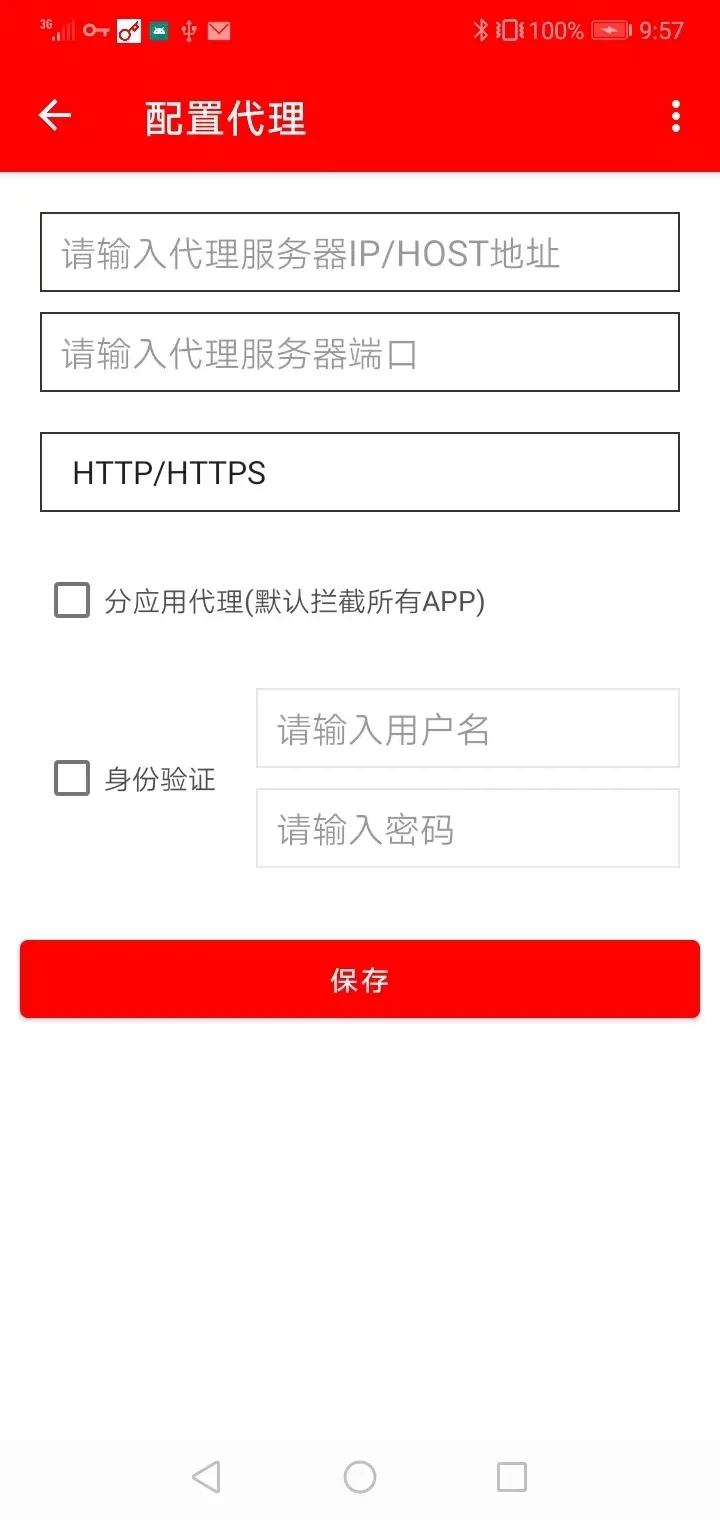
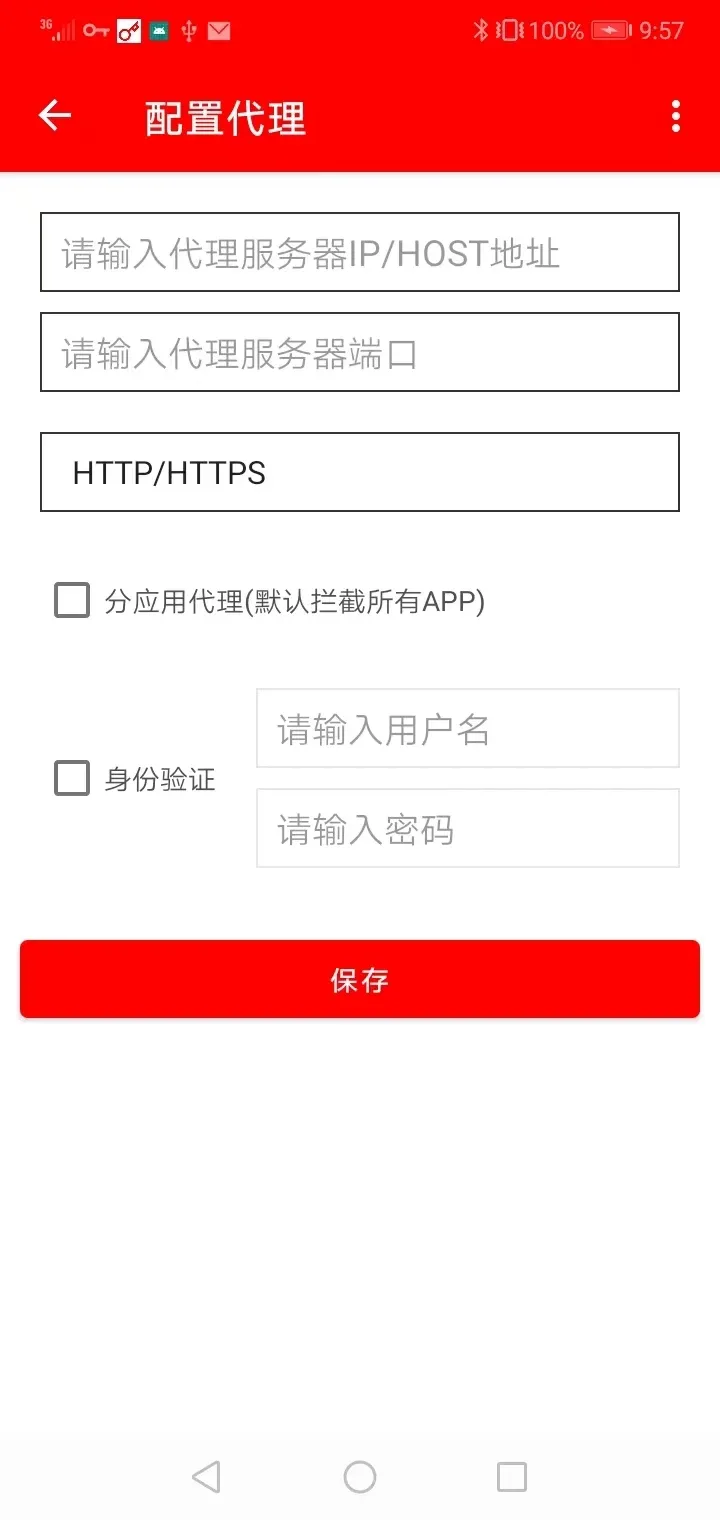
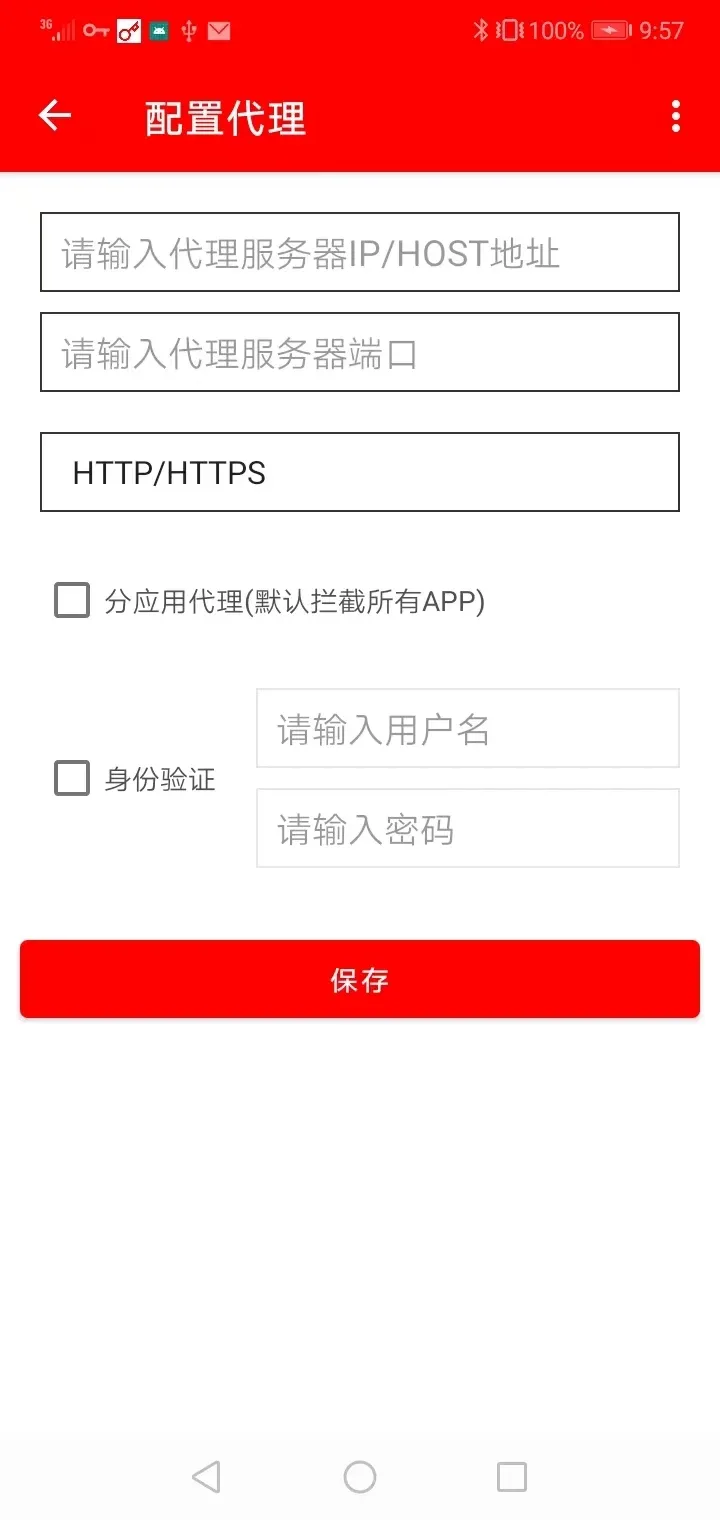
Getting started typically takes only a few steps: install the app, grant the required network permissions, add a proxy server, and pick apps or domains for redirection. Authentication details and advanced options are available for secured proxies. Profiles let you switch between testing, home, and work configurations without reentering settings.
User interface and performance
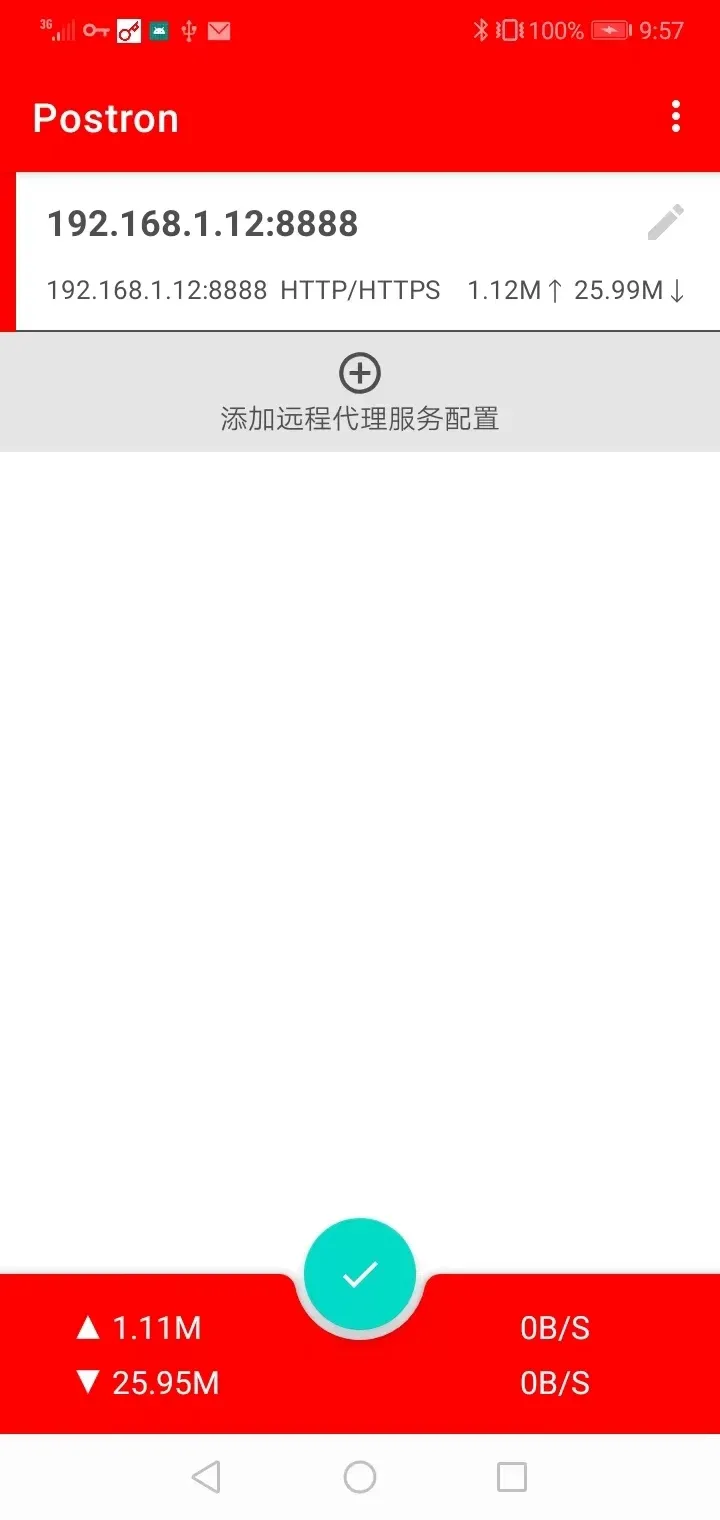
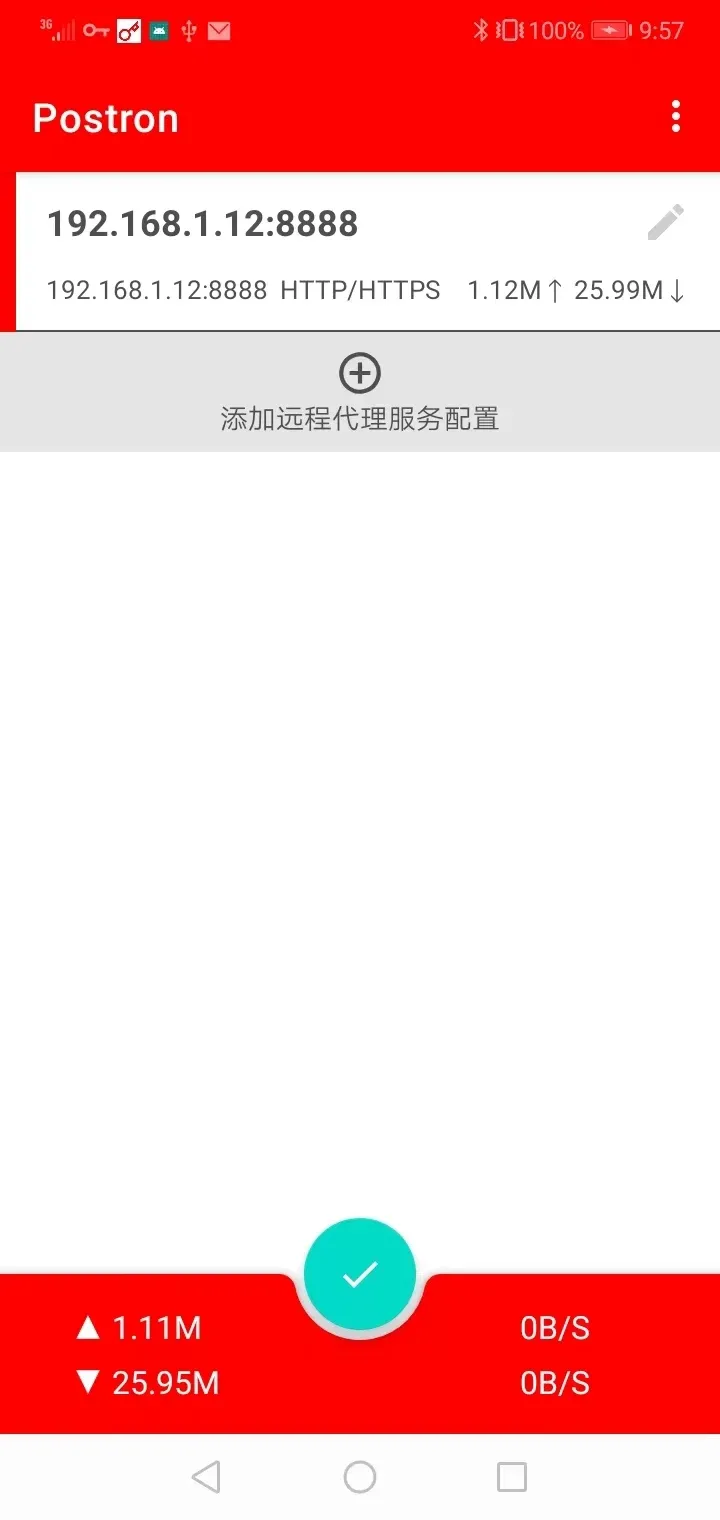
The interface is organized into tabs for servers, rules, and logs. Controls are intentionally minimal to avoid clutter: add a server, bind it to a rule, then enable the service. In testing, the app maintains low CPU overhead and modest memory usage. Connection latency will depend primarily on your chosen proxy server and network conditions rather than the app itself.
Troubleshooting tips
- Verify proxy credentials and server reachability before assuming an app issue.
- Use the live logs to confirm whether connections are being intercepted.
- Disable strict battery optimizations for the app if background service disconnects unexpectedly.
- Test with multiple apps to confirm per-app routing is working as expected.
Security and privacy considerations
Proxies can improve privacy by masking direct endpoints, but they do not encrypt traffic unless the proxy chain uses TLS or the underlying app uses HTTPS. AndProxy expects users to supply trusted proxy servers. Avoid sending sensitive credentials through unknown proxies, and treat proxy providers with the same caution you would any network intermediary.
Advanced usage scenarios
Developers and QA engineers will appreciate using AndProxy for localized testing: simulate remote regions, inspect app behavior under different routing, and validate server-side geolocation logic. Network administrators can use it as a lightweight client to test proxy chains without deploying full VPN infrastructure.
Tips for first-time users
- Start with a single app rule to learn how routing behaves before applying system-wide captures.
- Keep a working profile for direct connections so you can compare performance with and without a proxy.
- Log only when needed; excessive logging can clutter diagnostics and slightly impact responsiveness.
Why users pick this app
People choose AndProxy for its focused feature set, minimal interface, and control over per-app routing. It fills a gap between complex enterprise tools and oversimplified consumer VPNs, making it a practical utility for troubleshooting, privacy experiments, and targeted network adjustments.
Getting started
Install the app, create a proxy entry with host and port, bind it to the apps you want to route, and toggle the service on. Keep credentials and server health handy for quick swaps. With basic familiarity you'll be able to manage multiple proxy environments in minutes.
Whether you are testing an app in different network scenarios or prefer fine-grained control over your Android traffic, AndProxy provides a compact, capable solution without adding unnecessary complexity.
Show More
Information
Screenshots
Latest Update












Latest News
-
![Revealing the Launch Playlists and Cross-Progression for COD Warzone Mobile News]()
-
![March 2024 Free Redemption Codes for Honkai: Star Rail News]()
-
PUBG Mobile Teams Up with Bentley Motors: Luxury Cars, Exclusive Collectibles, and Beyond 2024-04-18
![PUBG Mobile Teams Up with Bentley Motors: Luxury Cars, Exclusive Collectibles, and Beyond News]()
-
![Monster Never Cry is now accessible on both Android and iOS mobile devices. News]()
-
V2.2 of the Farlight 84 update introduces an overhauled Season structure, fresh in-game currency, an 2024-04-16
![V2.2 of the Farlight 84 update introduces an overhauled Season structure, fresh in-game currency, an News]()
-
![Arrival of Genshin Impact 4.6 Update: 'Embers of Two Realms, Twilight of Crimson' News]()
-
April 2024 Clash of Clans Update: Unveiling a Fresh Companion, Enhanced Levels, Chat Tagging, and Be 2024-04-16
![April 2024 Clash of Clans Update: Unveiling a Fresh Companion, Enhanced Levels, Chat Tagging, and Be News]()






